
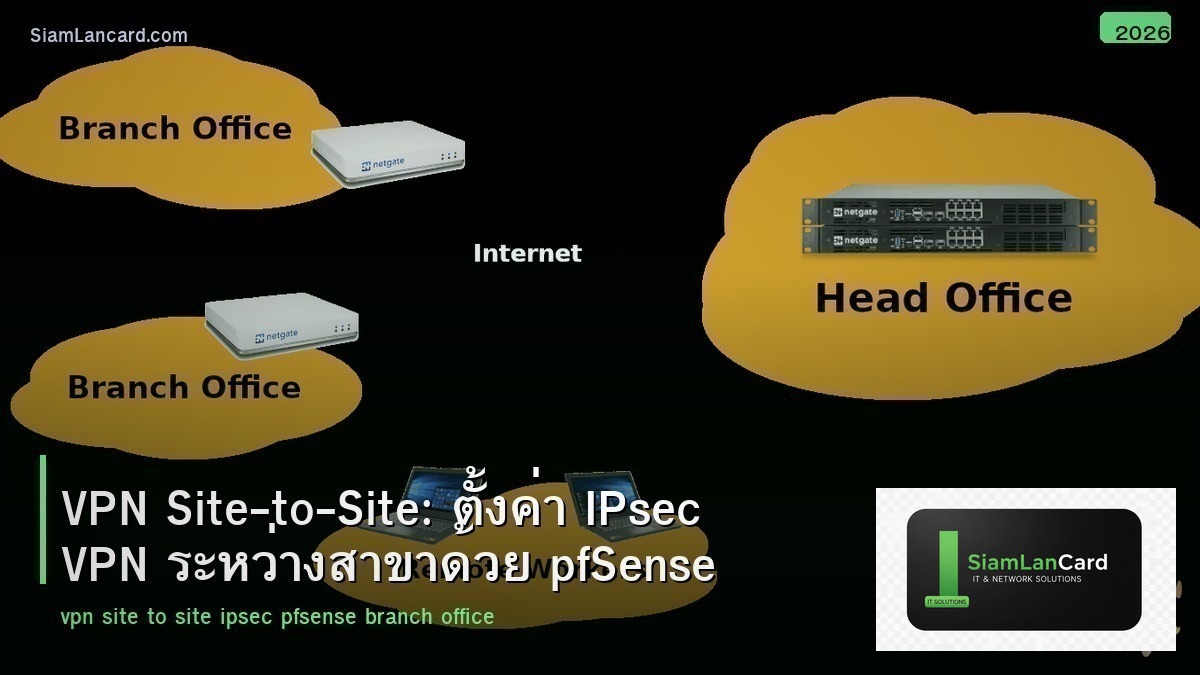
VPN Site-to-Site: ตั้งค่า IPsec VPN ระหว่างสาขาด้วย pfSense
Site-to-Site VPN เชื่อมต่อ 2 networks (เช่น สำนักงานใหญ่กับสาขา) ผ่าน encrypted tunnel บน internet ทำให้อุปกรณ์ทั้ง 2 sites สื่อสารกันได้เหมือนอยู่ network เดียวกัน IPsec เป็น protocol มาตรฐานสำหรับ site-to-site VPN ที่ใช้กันมากที่สุด
pfSense เป็น open-source firewall/router ที่นิยมมาก รองรับ IPsec VPN เต็มรูปแบบ ฟรี ติดตั้งง่าย เหมาะสำหรับ SMB ที่ต้องการ site-to-site VPN โดยไม่ต้องซื้อ firewall ราคาแพง บทความนี้จะสอนวิธีตั้งค่า IPsec VPN ระหว่าง 2 sites ด้วย pfSense
IPsec VPN Concepts
2 Phases
| Phase | หน้าที่ | สิ่งที่ negotiate |
|---|---|---|
| Phase 1 (IKE) | สร้าง secure channel สำหรับ negotiate Phase 2 | Authentication (PSK/cert), encryption (AES), hash (SHA), DH group, lifetime |
| Phase 2 (IPsec SA) | สร้าง tunnel สำหรับส่ง data จริง | Encryption (AES), hash (SHA), PFS group, lifetime, traffic selectors (subnets) |
IKE v1 vs IKE v2
IKEv1: เก่า ใช้ 6-9 messages ใน Phase 1 ช้ากว่า IKEv2: ใหม่กว่า ใช้ 4 messages เร็วกว่า reliable กว่า รองรับ MOBIKE (mobile VPN) แนะนำ IKEv2 สำหรับ new deployments
ตัวอย่าง Topology
| Site | WAN IP | LAN Subnet | pfSense |
|---|---|---|---|
| HQ (สำนักงานใหญ่) | 203.0.113.10 | 10.0.1.0/24 | pfSense A |
| Branch (สาขา) | 198.51.100.20 | 10.0.2.0/24 | pfSense B |
เป้าหมาย: อุปกรณ์ใน 10.0.1.0/24 (HQ) สื่อสารกับอุปกรณ์ใน 10.0.2.0/24 (Branch) ผ่าน encrypted IPsec tunnel
Configure pfSense Site A (HQ)
Phase 1
ไปที่ VPN → IPsec → Tunnels → Add P1 Key Exchange version: IKEv2 Remote Gateway: 198.51.100.20 (WAN IP ของ Branch) Authentication Method: Mutual PSK Pre-Shared Key: ใช้ key ที่ซับซ้อน (32+ characters, random) Encryption Algorithm: AES 256 Hash Algorithm: SHA256 DH Group: 14 (2048-bit) หรือ 19 (ECP-256) Lifetime: 28800 seconds (8 ชั่วโมง)
Phase 2
ไปที่ Show Phase 2 Entries → Add P2 Local Network: LAN subnet 10.0.1.0/24 Remote Network: 10.0.2.0/24 Encryption Algorithm: AES 256-GCM (ถ้ารองรับ) หรือ AES 256 + SHA256 PFS key group: 14 หรือ 19 Lifetime: 3600 seconds (1 ชั่วโมง)
Configure pfSense Site B (Branch)
Mirror Configuration
ตั้งค่า เหมือน Site A แต่กลับกัน: Phase 1: Remote Gateway = 203.0.113.10 (WAN IP ของ HQ) Pre-Shared Key: ต้องเหมือนกันทั้ง 2 sites Phase 2: Local Network = 10.0.2.0/24, Remote Network = 10.0.1.0/24 Encryption, hash, DH group, lifetime ต้องตรงกันทั้ง 2 ฝั่ง
Firewall Rules
อนุญาต Traffic ผ่าน VPN
ไปที่ Firewall → Rules → IPsec เพิ่ม rule: Action: Pass Source: 10.0.2.0/24 (remote subnet) Destination: 10.0.1.0/24 (local subnet) Protocol: Any (หรือ specific protocols ที่ต้องการ) ทำเหมือนกันทั้ง 2 ฝั่ง
Troubleshooting IPsec VPN
Common Issues
| ปัญหา | สาเหตุ | แก้ไข |
|---|---|---|
| Phase 1 ไม่ขึ้น | PSK ไม่ตรง, encryption mismatch, WAN IP ผิด | ตรวจ PSK, ตรวจ Phase 1 parameters ทั้ง 2 ฝั่ง |
| Phase 1 ขึ้นแต่ Phase 2 ไม่ขึ้น | Subnet mismatch, Phase 2 params ไม่ตรง | ตรวจ local/remote subnets ตรวจ Phase 2 params |
| Tunnel ขึ้นแต่ ping ไม่ผ่าน | Firewall rules ไม่อนุญาต IPsec traffic | เพิ่ม firewall rules บน IPsec interface |
| Tunnel ขึ้นๆ ลงๆ | Lifetime ไม่ตรง, DPD settings, unstable internet | ตรวจ lifetime, enable DPD ทั้ง 2 ฝั่ง |
| Performance ช้า | Encryption overhead, MTU issues | ใช้ AES-NI, ลด MTU (1400), enable MSS clamping |
Debug Tools
pfSense: Status → IPsec → Overview (ดู tunnel status) Status → System Logs → IPsec (ดู logs) Diagnostics → Ping (ping remote subnet ผ่าน VPN) ดู Phase 1 status: ต้อง ESTABLISHED ดู Phase 2 status: ต้อง INSTALLED (มี bytes in/out)
Security Best Practices
Encryption Settings
ใช้ encryption ที่แข็งแรง: Phase 1: AES-256 + SHA256 + DH Group 14+ Phase 2: AES-256-GCM (ถ้ารองรับ) หรือ AES-256 + SHA256 + PFS Group 14+ อย่าใช้: DES, 3DES, MD5, DH Group 1/2/5 (เก่า ไม่ปลอดภัย) ใช้ PSK ที่ซับซ้อน (32+ characters) หรือ certificates (ปลอดภัยกว่า)
IPsec vs WireGuard vs OpenVPN
| VPN | Speed | Security | Compatibility | เหมาะกับ |
|---|---|---|---|---|
| IPsec | เร็ว (hardware accel) | สูง (industry standard) | ดีมาก (ทุก vendor) | Site-to-site enterprise |
| WireGuard | เร็วมาก | สูง (modern crypto) | ดี (Linux, pfSense 2.6+) | Site-to-site, remote access |
| OpenVPN | ช้ากว่า (userspace) | สูง | ดีมาก | Remote access, bypass firewall |
ทิ้งท้าย: Site-to-Site VPN เป็นพื้นฐานของ Multi-Site Network
IPsec Site-to-Site VPN ด้วย pfSense เป็นวิธีที่ประหยัดและมีประสิทธิภาพในการเชื่อมต่อสาขา ฟรี ไม่ต้องซื้อ firewall แพง ตั้งค่าไม่ยาก ใช้ IKEv2 + AES-256 + SHA256 ตรวจสอบให้ parameters ตรงกันทั้ง 2 ฝั่ง
อ่านเพิ่มเติมเกี่ยวกับ Firewall Rules ACL และ SD-WAN ที่ siamlancard.com หรือจาก icafeforex.com และ siam2r.com






