
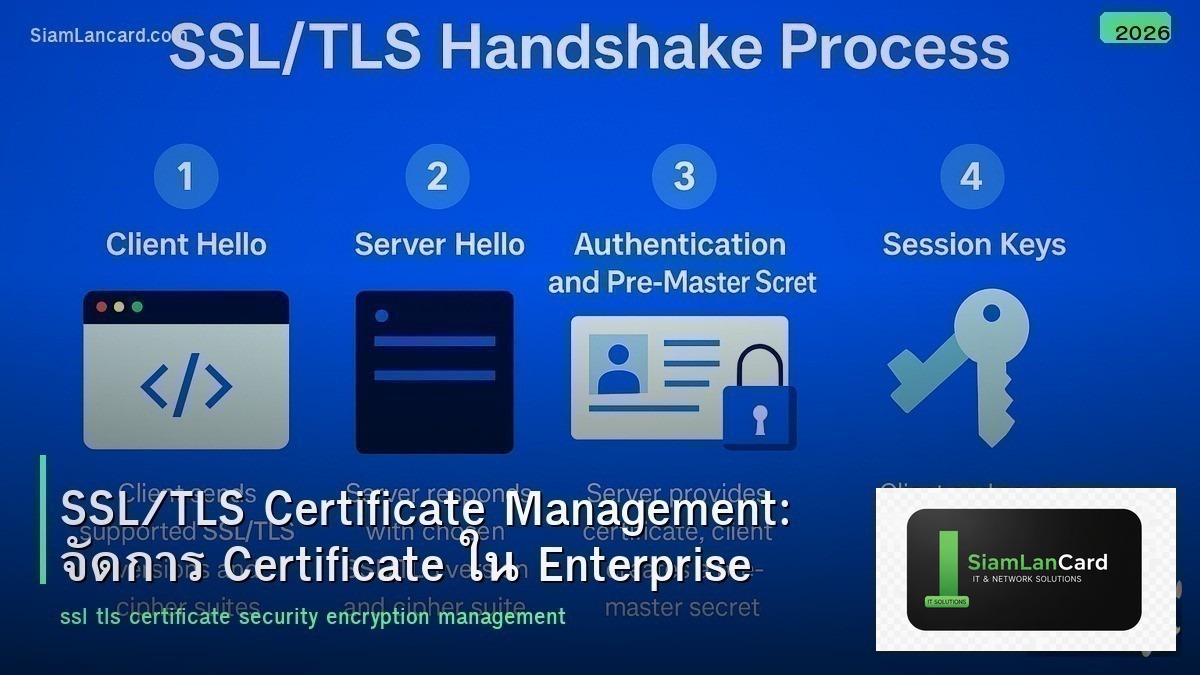
SSL/TLS Certificate Management: จัดการ Certificate ใน Enterprise
SSL/TLS Certificates เป็นพื้นฐานของ encrypted communication บน internet ทุกเว็บไซต์ที่ใช้ HTTPS, VPN connections, email servers, APIs ล้วนต้องใช้ certificates สำหรับองค์กรที่มี certificates หลายร้อยหรือหลายพันใบ การจัดการให้ถูกต้องและไม่หมดอายุเป็นความท้าทายสำคัญ
Certificate expiration เป็นสาเหตุ outage ที่พบบ่อยที่สุด เมื่อ certificate หมดอายุ เว็บไซต์จะแสดง warning, VPN จะตัดการเชื่อมต่อ, API calls จะ fail บริษัทใหญ่หลายแห่งเคยเกิด outage จาก expired certificates รวมถึง Microsoft, LinkedIn และ Ericsson บทความนี้จะสอนวิธีจัดการ certificates อย่างเป็นระบบ
Certificate Types
| Type | Validation | ใช้สำหรับ | ราคา |
|---|---|---|---|
| DV (Domain Validation) | ตรวจสอบว่าเป็นเจ้าของ domain | เว็บไซต์ทั่วไป, blogs | ฟรี – $50/ปี |
| OV (Organization Validation) | ตรวจสอบองค์กร + domain | Business websites | $50-200/ปี |
| EV (Extended Validation) | ตรวจสอบละเอียด (legal entity) | E-commerce, banking | $100-500/ปี |
| Wildcard (*.example.com) | ครอบคลุมทุก subdomain | หลาย subdomains | $50-300/ปี |
| SAN/Multi-domain | หลาย domains ใน cert เดียว | หลาย domains/services | $100-400/ปี |
| Internal/Private CA | ออกเอง (self-signed/private CA) | Internal services, testing | ฟรี (manage เอง) |
Certificate Lifecycle
6 ขั้นตอน
1. Request/Generate: สร้าง CSR (Certificate Signing Request) + private key กำหนด key size (RSA 2048+, ECDSA P-256+) กำหนด SANs (Subject Alternative Names)
2. Issue: ส่ง CSR ไป CA (Certificate Authority) CA ตรวจสอบ (DV/OV/EV validation) CA ออก certificate
3. Install: ติดตั้ง certificate + private key บน server/load balancer ติดตั้ง intermediate CA certificates (chain) ทดสอบ SSL/TLS configuration
4. Monitor: ตรวจสอบ expiration date สม่ำเสมอ ตั้ง alerts 30, 14, 7 วันก่อนหมดอายุ ตรวจสอบ certificate chain validity
5. Renew: ต่ออายุก่อนหมด (อย่างน้อย 7 วันก่อน) ใช้ automation (ACME/Let’s Encrypt, cert-manager)
6. Revoke: ยกเลิก certificate เมื่อ private key ถูก compromise เมื่อ domain เปลี่ยนเจ้าของ เมื่อ certificate ไม่ใช้แล้ว
Let’s Encrypt + ACME
Free Automated Certificates
Let’s Encrypt ออก DV certificates ฟรี ใช้ ACME protocol สำหรับ automation: certificate อายุ 90 วัน (ต้อง renew อัตโนมัติ) ใช้ certbot หรือ acme.sh สำหรับ automated renewal รองรับ wildcard certificates (DNS-01 challenge) ใช้กันมากที่สุดในโลก (> 300 million active certificates)
Private CA (Internal)
สำหรับ Internal Services
เมื่อไหร่ใช้ Private CA: Internal websites/APIs ที่ไม่ expose internet Mutual TLS (mTLS) ระหว่าง services Code signing, email signing Device certificates (802.1X, VPN)
| Tool | ประเภท | จุดเด่น |
|---|---|---|
| Microsoft AD CS | Enterprise CA | Integrate กับ Active Directory, auto-enrollment |
| HashiCorp Vault PKI | Cloud-native CA | Short-lived certs, API-driven, secrets management |
| step-ca (Smallstep) | Open-source CA | ACME support, lightweight, easy setup |
| EJBCA | Enterprise open-source CA | Full PKI, compliance features |
| cfssl (Cloudflare) | Open-source CA toolkit | Simple, JSON-based, CLI tools |
Certificate Monitoring
| Tool | ประเภท | จุดเด่น |
|---|---|---|
| Keychest | SaaS | Certificate discovery + monitoring |
| SSLMate (Cert Spotter) | Free/SaaS | CT log monitoring, alerts |
| Nagios/Zabbix SSL checks | Open-source | Custom monitoring + alerting |
| cert-manager (Kubernetes) | Open-source | Automated cert management in K8s |
| Venafi | Enterprise | Full certificate lifecycle management |
TLS Best Practices (2025)
| Practice | รายละเอียด |
|---|---|
| ใช้ TLS 1.3 เท่านั้น | TLS 1.0/1.1 deprecated, TLS 1.2 ยังใช้ได้แต่ 1.3 ดีกว่า |
| Key size: RSA 2048+ หรือ ECDSA P-256+ | RSA 1024 ไม่ปลอดภัยแล้ว |
| Certificate อายุ ≤ 398 วัน | CAs ไม่ออก cert อายุมากกว่า 398 วันแล้ว (ตั้งแต่ 2020) |
| ใช้ HSTS | บังคับ HTTPS, ป้องกัน downgrade attack |
| ใช้ OCSP Stapling | เร็วกว่า CRL, ลด latency |
| ปิด weak ciphers | ปิด RC4, DES, 3DES, export ciphers |
| Automate renewal | ใช้ ACME/certbot ป้องกัน expired certs |
Common Issues
| ปัญหา | อาการ | วิธีแก้ |
|---|---|---|
| Certificate expired | Browser warning, connection refused | Renew certificate, setup auto-renewal |
| Incomplete chain | Some clients trust, some don’t | Install intermediate CA certificates |
| CN/SAN mismatch | Browser warning “name mismatch” | Re-issue cert with correct SANs |
| Mixed content | HTTPS page loads HTTP resources | Update all URLs to HTTPS |
| Private key compromised | Risk of MitM attack | Revoke cert immediately, re-issue new one |
ทิ้งท้าย: Automate Certificate Management
Certificate Management ที่ดีต้อง automate ใช้ Let’s Encrypt + ACME สำหรับ public certificates ใช้ Private CA สำหรับ internal services ตั้ง monitoring + alerts สำหรับ expiration ใช้ cert-manager สำหรับ Kubernetes อย่ารอจน certificate หมดอายุค่อยแก้
อ่านเพิ่มเติมเกี่ยวกับ VPN IPsec และ DNS Security ที่ siamlancard.com หรือจาก icafeforex.com และ siam2r.com






