Home » Network Troubleshooting: Methodology, Tools, Packet Analysis, Common Issues และ Root Cause
Network Troubleshooting: Methodology, Tools, Packet Analysis, Common Issues และ Root Cause
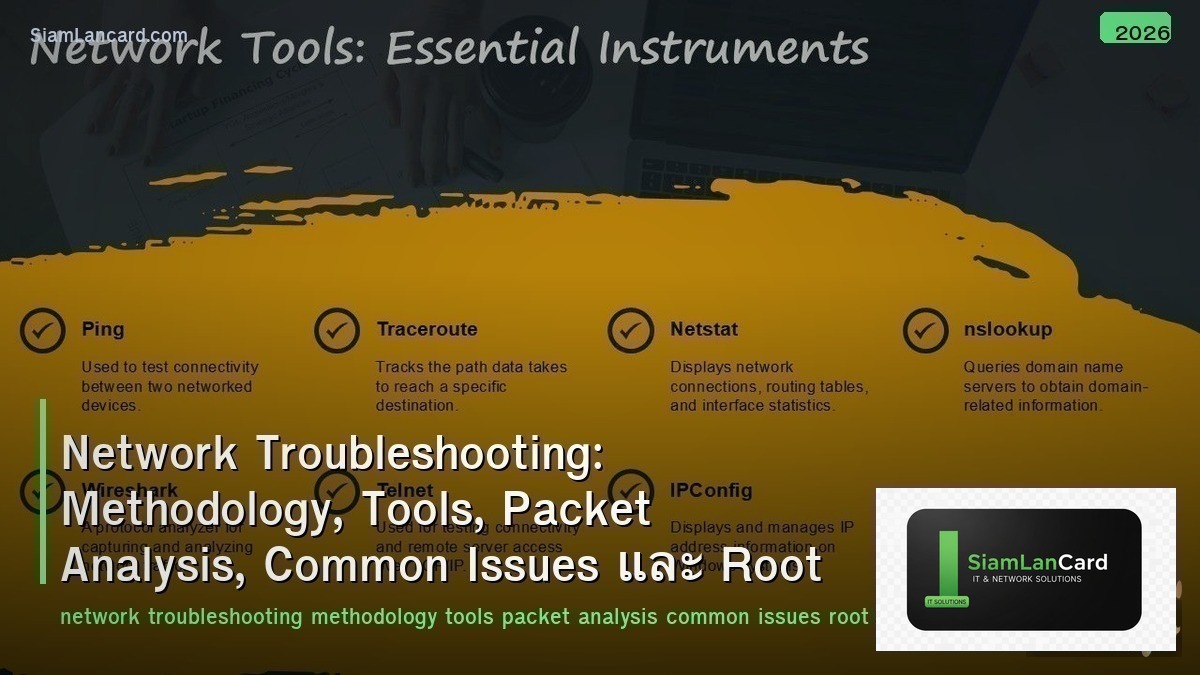
Network Troubleshooting: Methodology, Tools, Packet Analysis, Common Issues และ Root Cause
Network Troubleshooting เป็นทักษะสำคัญที่สุดของ network engineer Methodology ให้ systematic approach แทนการเดา, Tools ช่วยรวบรวม data อย่างมีประสิทธิภาพ, Packet Analysis วิเคราะห์ traffic ระดับ packet, Common Issues รวบรวมปัญหาที่พบบ่อย และ Root Cause Analysis หาสาเหตุที่แท้จริงแทนการแก้อาการ
Network engineers ส่วนใหญ่ troubleshoot แบบสุ่ม: เปลี่ยน cable, reboot switch, reset config ไปเรื่อยๆ จนบังเอิญหาย Systematic methodology ช่วยลดเวลา troubleshoot จากชั่วโมงเหลือนาที: gather info → isolate problem → identify root cause → fix → verify → document
Troubleshooting Methodology
| Step |
Action |
Detail |
| 1. Define Problem |
รวบรวมข้อมูลจาก user/alert |
อะไรไม่ work? เริ่มเมื่อไหร่? กระทบใครบ้าง? มีการเปลี่ยนแปลงอะไรก่อนหน้า? |
| 2. Gather Information |
รวบรวม data จาก devices |
Logs, show commands, SNMP, NetFlow, ping/traceroute |
| 3. Analyze |
วิเคราะห์ data เพื่อหา possible causes |
Compare with baseline, check recent changes, correlate events |
| 4. Isolate |
Narrow down ไปหา specific component |
OSI layer approach (bottom-up/top-down), divide-and-conquer |
| 5. Implement Fix |
แก้ไข root cause |
Fix one thing at a time → verify before next change |
| 6. Verify |
ตรวจสอบว่าปัญหาหายจริง |
Test จาก user perspective, check metrics return to normal |
| 7. Document |
บันทึก problem, cause, solution |
Knowledge base สำหรับ future reference (ปัญหาเดิมอาจเกิดอีก) |
OSI Layer Approach
| Layer |
Check |
Tools |
| L1 Physical |
Cable, SFP, link light, CRC errors, duplex mismatch |
show interface, cable tester, OTDR, light meter |
| L2 Data Link |
VLAN, STP, MAC table, trunk, ARP |
show vlan, show spanning-tree, show mac address-table |
| L3 Network |
IP address, subnet, routing table, ACL, NAT |
ping, traceroute, show ip route, show ip interface |
| L4 Transport |
TCP/UDP connectivity, port status, firewall rules |
telnet/nc port check, show access-lists, netstat |
| L7 Application |
DNS resolution, HTTP response, application logs |
nslookup/dig, curl, application-specific tools |
Essential Troubleshooting Tools
| Tool |
Use |
When |
| ping |
Test L3 reachability (ICMP echo) |
Basic connectivity check → first tool to use |
| traceroute/tracert |
Show path packets take (hop-by-hop) |
Identify where packets get dropped/delayed |
| nslookup/dig |
DNS resolution testing |
“Website ไม่ขึ้น” → check DNS first |
| tcpdump/Wireshark |
Packet capture and analysis |
Deep analysis when other tools ไม่พอ |
| mtr (My Traceroute) |
Continuous traceroute + ping statistics |
Intermittent packet loss (run over time) |
| iperf3 |
Bandwidth/throughput testing |
“Internet ช้า” → measure actual throughput |
| nmap |
Port scanning, service discovery |
Check ว่า service listen on port หรือไม่ |
| show commands |
Device status (interfaces, routing, errors) |
Cisco/Juniper/Arista CLI troubleshooting |
Common Network Issues
| Issue |
Symptoms |
Common Cause |
Fix |
| Duplex Mismatch |
Slow transfer, late collisions, CRC errors |
One side auto, other side forced |
Match duplex settings (both auto or both forced) |
| STP Loop |
Network slowdown, broadcast storm, MAC flapping |
Missing STP, incorrect STP config |
Enable BPDU guard, portfast on access ports, verify STP root |
| VLAN Mismatch |
Host can’t reach gateway/other hosts |
Port in wrong VLAN, trunk not carrying VLAN |
Verify VLAN assignment, check trunk allowed VLANs |
| MTU Issues |
Large packets dropped, small ping works but large fails |
MTU mismatch along path (especially tunnels/VPN) |
Standardize MTU, adjust MSS clamping, test with ping -s |
| DNS Failure |
“Internet ไม่ work” แต่ ping IP ได้ |
DNS server down, wrong DNS config, DNS timeout |
Verify DNS server, check nslookup, update DNS settings |
| Routing Issue |
Some destinations unreachable |
Missing route, incorrect next-hop, route recursion |
Check routing table, verify next-hop reachability, check BGP/OSPF |
| ACL Blocking |
Specific traffic blocked unexpectedly |
Implicit deny, incorrect ACL order, ACL applied wrong direction |
Review ACL with hit counters, check ACL direction (in/out) |
| Asymmetric Routing |
Firewall drops return traffic |
Different paths for request and response |
Fix routing to be symmetric, or disable state tracking for affected flows |
Packet Analysis Checklist
| Check |
What to Look For |
Meaning |
| TCP Handshake |
SYN → SYN-ACK → ACK (complete?) |
Incomplete = firewall/ACL blocking, server down |
| TCP Retransmissions |
Retransmit count, retransmit timeout |
Packet loss on path (congestion, bad link) |
| Window Size |
TCP window scaling, window size = 0 |
Window = 0 → receiver buffer full (slow application) |
| RST Packets |
Connection reset by peer |
Server rejecting connection, firewall reset |
| DNS Response |
Response code (NOERROR, NXDOMAIN, SERVFAIL) |
NXDOMAIN = domain doesn’t exist, SERVFAIL = DNS server issue |
| TTL Values |
Unexpected TTL changes |
Asymmetric routing, packet going through unexpected hops |
Root Cause Analysis
| Technique |
How |
| 5 Whys |
ถาม “ทำไม?” 5 ครั้ง → drill down จาก symptom ไป root cause |
| Timeline Analysis |
สร้าง timeline ของ events → correlate กับ changes/incidents |
| Change Correlation |
เปรียบเทียบ: อะไรเปลี่ยนก่อนปัญหาเกิด? (config change, update, hardware swap) |
| Baseline Comparison |
เปรียบเทียบ current metrics กับ normal baseline → หา anomaly |
| Divide and Conquer |
Test ที่จุดกลาง → narrow down ไปครึ่งที่มีปัญหา → repeat |
ทิ้งท้าย: Troubleshooting = Systematic, Not Random
Network Troubleshooting Methodology: define → gather info → analyze → isolate → fix → verify → document OSI Approach: L1 (physical/cable) → L2 (VLAN/STP) → L3 (routing/ACL) → L4 (firewall) → L7 (DNS/app) Tools: ping (first), traceroute (path), dig (DNS), Wireshark (deep), mtr (intermittent), iperf3 (throughput) Common: duplex mismatch, STP loop, VLAN mismatch, MTU issues, DNS failure, ACL blocking Packet Analysis: TCP handshake, retransmissions, window size, RST, DNS response codes Root Cause: 5 Whys, timeline analysis, change correlation, baseline comparison, divide and conquer Key: systematic methodology → fix one thing at a time → verify → document for knowledge base
อ่านเพิ่มเติมเกี่ยวกับ Network Forensics Packet Capture Wireshark และ Network Monitoring SNMP NetFlow Telemetry ที่ siamlancard.com หรือจาก icafeforex.com และ siam2r.com






