Home » Network Troubleshooting Methodology: OSI Layer, Divide-and-Conquer, Wireshark, Packet Analysis และ Root Cause
Network Troubleshooting Methodology: OSI Layer, Divide-and-Conquer, Wireshark, Packet Analysis และ Root Cause
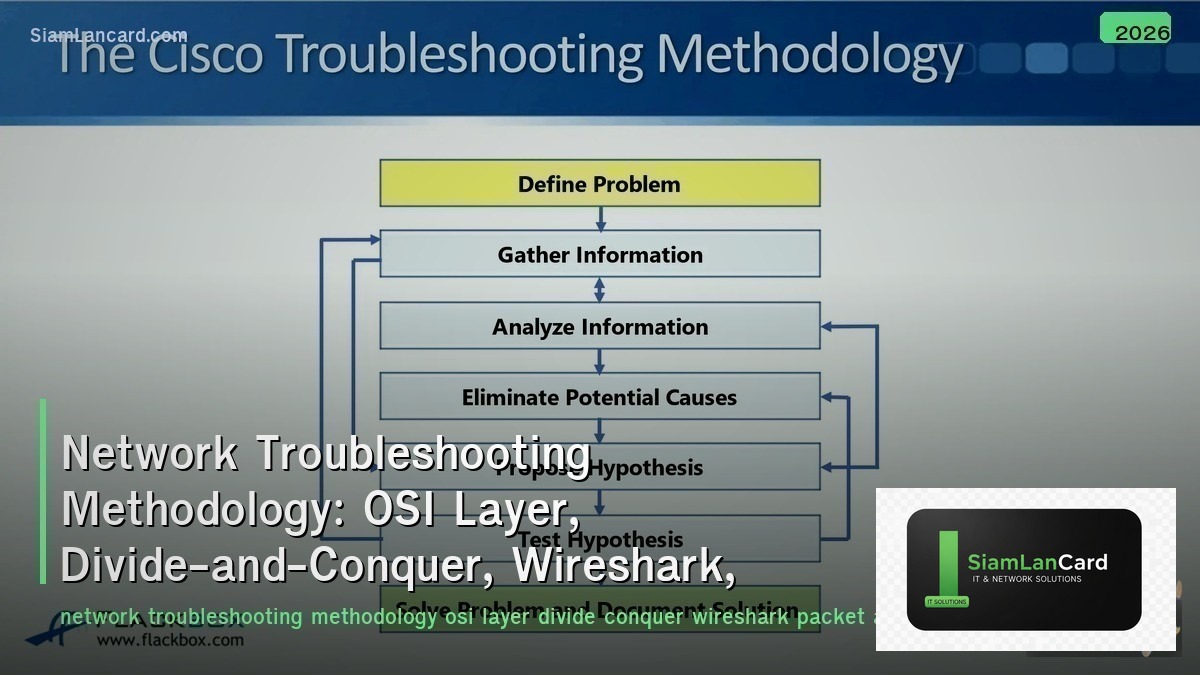
Network Troubleshooting Methodology: OSI Layer, Divide-and-Conquer, Wireshark, Packet Analysis และ Root Cause
Network Troubleshooting Methodology เป็นวิธีการแก้ปัญหา network อย่างเป็นระบบ OSI Layer approach วิเคราะห์ทีละ layer, Divide-and-Conquer เริ่มจากจุดที่น่าจะเป็นปัญหามากที่สุด, Wireshark เป็นเครื่องมือ packet capture ที่ทรงพลังที่สุด, Packet Analysis อ่านและตีความ packets และ Root Cause Analysis หาสาเหตุที่แท้จริงไม่ใช่แค่อาการ
Network engineers ใช้เวลา 60-70% ของการแก้ปัญหาไปกับการหาว่าปัญหาอยู่ตรงไหน ไม่ใช่แก้ปัญหา methodology ที่ดีลด MTTR (Mean Time To Resolve) 50-70% เพราะหาปัญหาเจอเร็วกว่า การสุ่มแก้ (random troubleshooting) ทำให้เสียเวลาและอาจทำให้ปัญหาแย่ลง systematic approach + proper tools = แก้ปัญหาได้เร็วและถูกต้อง
Troubleshooting Approaches
| Approach |
How |
Best For |
| Top-Down (L7 → L1) |
Start from application → work down to physical |
Application-specific issues (can’t access website, email not working) |
| Bottom-Up (L1 → L7) |
Start from physical → work up to application |
Complete connectivity loss (cable, link down, no IP) |
| Divide-and-Conquer |
Start at layer most likely to have issue → go up or down |
Experienced engineers — faster when you have a good hypothesis |
| Follow the Path |
Trace traffic path from source to destination → check each hop |
Intermittent issues, routing problems, firewall blocks |
| Spot the Differences |
Compare working vs non-working: config, routes, ARP, counters |
Sudden failures — “it worked yesterday, what changed?” |
OSI Layer Troubleshooting
| Layer |
Check |
Tools |
| L1 Physical |
Cable connected? Link light on? Speed/duplex? CRC errors? SFP ok? |
show interface, cable tester, LED inspection, OTDR |
| L2 Data Link |
MAC address learned? VLAN correct? STP blocking? Trunk allowed? |
show mac address-table, show vlan, show spanning-tree |
| L3 Network |
IP address correct? Subnet mask? Default gateway? Route exists? ACL blocking? |
ping, traceroute, show ip route, show ip arp |
| L4 Transport |
Port open? Firewall rule? NAT translation? TCP handshake completing? |
telnet [ip] [port], netstat, show firewall, Wireshark |
| L5-7 Session/App |
DNS resolving? HTTP response? Application error? Certificate valid? |
nslookup, curl, browser dev tools, application logs |
Essential Commands
| Command |
Purpose |
Key Output |
| ping |
Test L3 reachability (ICMP echo) |
RTT, packet loss %, TTL (hop count indicator) |
| traceroute / tracert |
Show path from source to destination |
Each hop IP + latency — find where traffic stops/slows |
| nslookup / dig |
Test DNS resolution |
IP address returned, response time, authoritative server |
| show interface |
Interface status, errors, counters |
Up/down, CRC errors, input/output drops, speed/duplex |
| show ip route |
Routing table |
Next-hop for destination, route source (OSPF/BGP/static) |
| show arp / show mac |
L2/L3 mappings |
IP-to-MAC resolution, MAC-to-port learning |
| show log |
Device event logs |
Errors, warnings, interface changes, authentication failures |
Wireshark Essentials
| Feature |
How |
| Capture Filter |
Limit what’s captured: host 10.0.0.1, port 443, net 192.168.1.0/24 |
| Display Filter |
Filter displayed packets: ip.addr == 10.0.0.1, tcp.port == 80, dns, http |
| Follow Stream |
Right-click packet → Follow TCP/UDP Stream → see entire conversation |
| Expert Info |
Analyze → Expert Information → warnings, errors, notes (retransmissions, resets) |
| IO Graph |
Statistics → I/O Graph → visualize throughput over time, find spikes/drops |
| TCP Analysis |
Look for: retransmissions, duplicate ACKs, zero window, RST flags |
| Coloring Rules |
Red = errors (RST, unreachable) | Black = TCP issues | Light blue = normal |
Common Packet Patterns
| Pattern |
What You See |
Root Cause |
| TCP Retransmissions |
Same packet sent multiple times |
Packet loss — congestion, bad cable, interface errors |
| TCP RST |
Connection reset by peer |
Firewall block, port closed, application crash |
| ICMP Unreachable |
Destination unreachable messages |
No route, host down, firewall reject, port unreachable |
| ARP Broadcast Storm |
Massive ARP requests flooding |
Loop (no STP), ARP scan (security), misconfigured device |
| DNS Timeout |
DNS query with no response |
DNS server down, firewall blocking UDP 53, wrong DNS server |
| TLS Handshake Fail |
Client Hello → Server Hello → Alert |
Certificate mismatch, expired cert, cipher suite incompatibility |
| Duplicate IPs |
Gratuitous ARP from two different MACs for same IP |
IP conflict — two devices with same IP address |
Root Cause Analysis
| Technique |
How |
| 5 Whys |
Ask “why” 5 times: Why slow? → High latency. Why? → Packet loss. Why? → CRC errors. Why? → Bad cable. |
| Timeline |
Build timeline: when did problem start? What changed around that time? Config change? Update? Hardware add? |
| Correlation |
Correlate events: interface flap at 10:15 + BGP re-convergence at 10:15 + user reports at 10:16 |
| Isolation |
Narrow scope: one user or all? One VLAN or all? One site or all? Wired or wireless? |
| Change Control |
Check change logs: what was deployed recently? Revert if suspect → does problem resolve? |
| Documentation |
Document everything: what tested, what found, what fixed → build knowledge base |
ทิ้งท้าย: Systematic Troubleshooting = Faster Resolution
Network Troubleshooting Methodology Approaches: top-down (L7→L1), bottom-up (L1→L7), divide-and-conquer, follow-the-path, spot-the-differences OSI Layers: L1 (physical/cable), L2 (MAC/VLAN/STP), L3 (IP/route/ACL), L4 (port/firewall/NAT), L5-7 (DNS/HTTP/app) Commands: ping (reachability), traceroute (path), show interface (errors), show ip route (routing), show log (events) Wireshark: capture/display filters, follow stream, expert info, TCP analysis (retransmissions, RSTs) Patterns: retransmissions (loss), RST (firewall/closed), ARP storm (loop), DNS timeout (DNS down), TLS fail (cert) Root Cause: 5 whys, timeline, correlation, isolation, change control — document everything Key: 60-70% of MTTR = finding the problem — systematic approach reduces MTTR 50-70%
อ่านเพิ่มเติมเกี่ยวกับ Wireless Troubleshooting WiFi Issues Channel Interference และ Network Monitoring SNMP NetFlow Prometheus Grafana ที่ siamlancard.com หรือจาก icafeforex.com และ siam2r.com






