Home » Network Troubleshooting Methodology: OSI Layer-by-Layer
Network Troubleshooting Methodology: OSI Layer-by-Layer
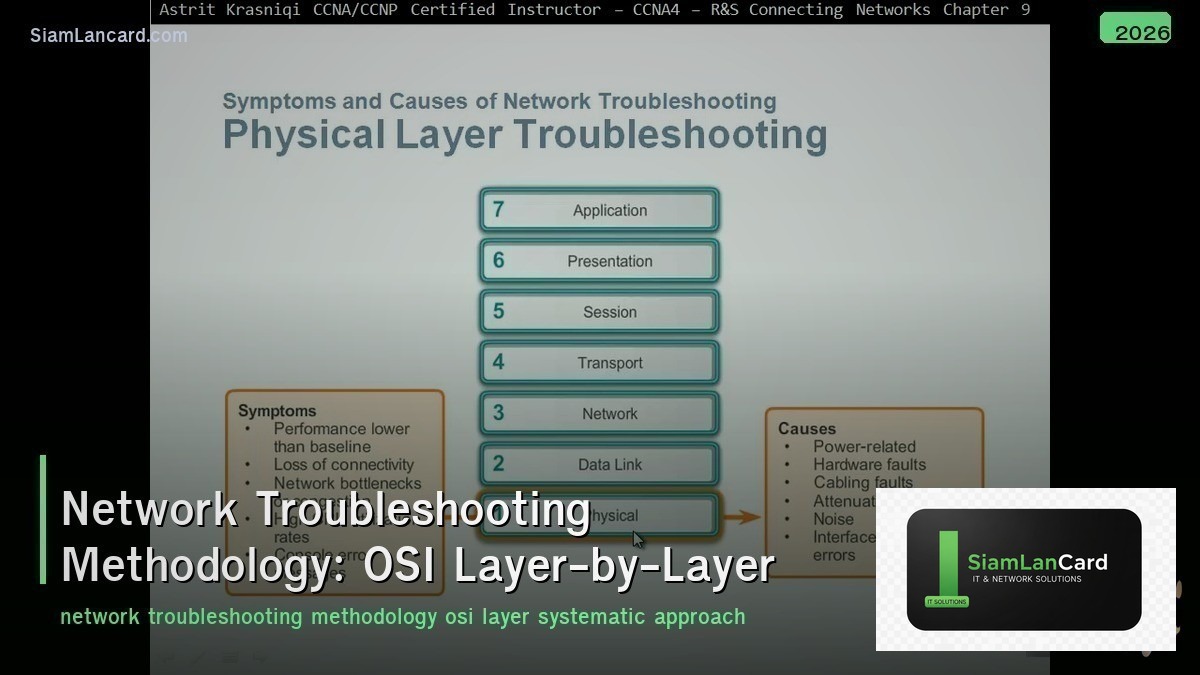
Network Troubleshooting Methodology: OSI Layer-by-Layer
Network Troubleshooting ที่มีระบบและมีประสิทธิภาพต้องใช้ methodology ที่ชัดเจน การแก้ปัญหาแบบสุ่มหรือเดาจะเสียเวลาและอาจทำให้ปัญหาแย่ลง OSI Model เป็น framework ที่ดีที่สุดสำหรับ systematic troubleshooting โดยตรวจสอบทีละ layer จากล่างขึ้นบน (bottom-up) หรือบนลงล่าง (top-down)
Network engineer หลายคน กระโดดไปแก้ปัญหาที่คิดว่าใช่ โดยไม่ได้ตรวจสอบอย่างเป็นระบบ ทำให้เสียเวลาหลายชั่วโมงกับปัญหาง่ายๆ เช่น สายหลุด, DHCP ไม่ได้ IP, หรือ DNS ผิด การใช้ OSI layer-by-layer approach ช่วยหา root cause ได้เร็วและแม่นยำ
Troubleshooting Approaches
| Approach |
วิธีการ |
เหมาะกับ |
| Bottom-Up |
เริ่มจาก Physical → Data Link → Network → … → Application |
ปัญหาที่ไม่รู้ว่าอยู่ layer ไหน |
| Top-Down |
เริ่มจาก Application → … → Physical |
User report ปัญหาที่ application level |
| Divide and Conquer |
เริ่มจาก layer กลาง (Network) แล้วขยายขึ้น/ลง |
Engineer มีประสบการณ์ เดาได้คร่าวๆ |
| Follow the Path |
ตรวจสอบทุก hop จาก source ไป destination |
Connectivity issues, routing problems |
| Spot the Differences |
เทียบ config/setup ที่ทำงานได้ vs ไม่ได้ |
ปัญหาหลัง change/config update |
Layer 1: Physical
| ตรวจสอบ |
Tools |
ปัญหาที่พบบ่อย |
| สาย LAN/Fiber เสียบแน่นหรือไม่ |
ตรวจด้วยตา, cable tester |
สายหลุด, สายเสีย, connector ชำรุด |
| LED status บน switch/NIC |
ดู link/activity LED |
Link down, no activity |
| Speed/duplex mismatch |
show interface (switch) |
Auto-negotiate fail → half-duplex |
| PoE power |
show power inline |
PoE budget เต็ม, device ไม่ได้ power |
| Fiber optic signal |
show interface transceiver, OTDR |
Signal loss, dirty connector, bad SFP |
Layer 2: Data Link
| ตรวจสอบ |
Tools/Commands |
ปัญหาที่พบบ่อย |
| VLAN assignment |
show vlan brief |
Port อยู่ผิด VLAN |
| Trunk status |
show interface trunk |
Trunk down, allowed VLANs ไม่ครบ |
| MAC address table |
show mac address-table |
MAC ไม่อยู่ใน table → L1 problem |
| STP status |
show spanning-tree |
Port blocked, STP loop, root bridge ผิดตัว |
| Port security |
show port-security |
MAC ถูก block โดย port-security |
| ARP table |
show arp, arp -a |
ARP ไม่ resolve, duplicate IP |
| Errors/CRC |
show interface (errors) |
CRC errors = สาย/connector เสีย |
Layer 3: Network
| ตรวจสอบ |
Tools/Commands |
ปัญหาที่พบบ่อย |
| IP address |
ipconfig/ifconfig, show ip interface brief |
ไม่ได้ IP, IP ผิด subnet, duplicate IP |
| Default gateway |
ipconfig, show ip route |
Gateway ผิด หรือ gateway unreachable |
| Subnet mask |
ipconfig |
Subnet mask ผิด → communicate ไม่ได้ |
| Routing table |
show ip route |
Missing route, wrong next-hop, routing loop |
| Ping test |
ping (ICMP) |
Unreachable, timeout, TTL expired |
| Traceroute |
tracert/traceroute |
หา hop ที่ fail, asymmetric routing |
| DHCP |
ipconfig /release /renew |
DHCP server down, scope full, helper missing |
| ACL/Firewall |
show access-lists |
ACL block traffic ที่ต้องการ |
Layer 4: Transport
| ตรวจสอบ |
Tools/Commands |
ปัญหาที่พบบ่อย |
| TCP connection |
telnet host port, Test-NetConnection |
Port closed, firewall block |
| Listening ports |
netstat -an, ss -tlnp |
Service ไม่ listen, listen ผิด port |
| NAT |
show ip nat translations |
NAT rule ผิด, NAT pool หมด |
| TCP retransmissions |
Wireshark (tcp.analysis.retransmission) |
Packet loss, congestion |
| Window size |
Wireshark |
TCP window size เล็ก → slow transfer |
Layer 5-7: Session/Presentation/Application
| ตรวจสอบ |
Tools/Commands |
ปัญหาที่พบบ่อย |
| DNS resolution |
nslookup, dig |
DNS server down, wrong DNS, NXDOMAIN |
| HTTP/HTTPS |
curl, browser, wget |
Web server down, SSL cert expired |
| SSL/TLS |
openssl s_client, browser cert info |
Certificate expired, wrong hostname, TLS version |
| Authentication |
Event logs, RADIUS logs |
Wrong credentials, account locked, RADIUS down |
| Application logs |
Application-specific logs |
Application errors, config issues |
Troubleshooting Toolkit
| Tool |
Layer |
ใช้ทำอะไร |
| Cable tester/OTDR |
L1 |
ตรวจสอบสาย physical |
| ping |
L3 |
ตรวจ connectivity (ICMP) |
| traceroute |
L3 |
ตรวจ path (hop-by-hop) |
| nslookup/dig |
L7 |
ตรวจ DNS resolution |
| telnet/nc (port test) |
L4 |
ตรวจว่า port เปิดหรือไม่ |
| Wireshark/tcpdump |
L2-L7 |
Packet capture + analysis |
| netstat/ss |
L4 |
ดู connections + listening ports |
| show commands (CLI) |
L1-L3 |
ดู status บน switch/router |
| SNMP/NMS |
L1-L3 |
Monitor interface status + errors |
| Syslog/SIEM |
All |
ดู logs จากทุก devices |
Troubleshooting Process
| Step |
Action |
| 1. Define Problem |
อะไรไม่ทำงาน? ใคร? เมื่อไหร่เริ่ม? มีอะไรเปลี่ยนแปลง? |
| 2. Gather Information |
รวบรวม logs, show commands, user feedback |
| 3. Analyze |
วิเคราะห์ข้อมูล หา possible causes |
| 4. Test Hypothesis |
ทดสอบสมมุติฐาน (ping, traceroute, show commands) |
| 5. Implement Fix |
แก้ปัญหา (change config, replace cable, restart service) |
| 6. Verify |
ตรวจสอบว่าปัญหาหายแล้ว + ไม่กระทบอื่น |
| 7. Document |
บันทึกปัญหา สาเหตุ วิธีแก้ สำหรับอนาคต |
ทิ้งท้าย: Systematic = Faster Resolution
Network Troubleshooting ต้องเป็นระบบ ไม่ใช่เดา OSI bottom-up = safe สำหรับปัญหาที่ไม่รู้ layer ตรวจ Physical → Data Link → Network → Transport → Application เครื่องมือหลัก: ping, traceroute, nslookup, Wireshark, show commands Document ทุกปัญหาและวิธีแก้สำหรับ knowledge base
อ่านเพิ่มเติมเกี่ยวกับ SNMP v3 Monitoring และ NetFlow sFlow Analysis ที่ siamlancard.com หรือจาก icafeforex.com และ siam2r.com






