Home » Network TAP vs SPAN Port: Packet Capture Architecture และ Best Practices
Network TAP vs SPAN Port: Packet Capture Architecture และ Best Practices
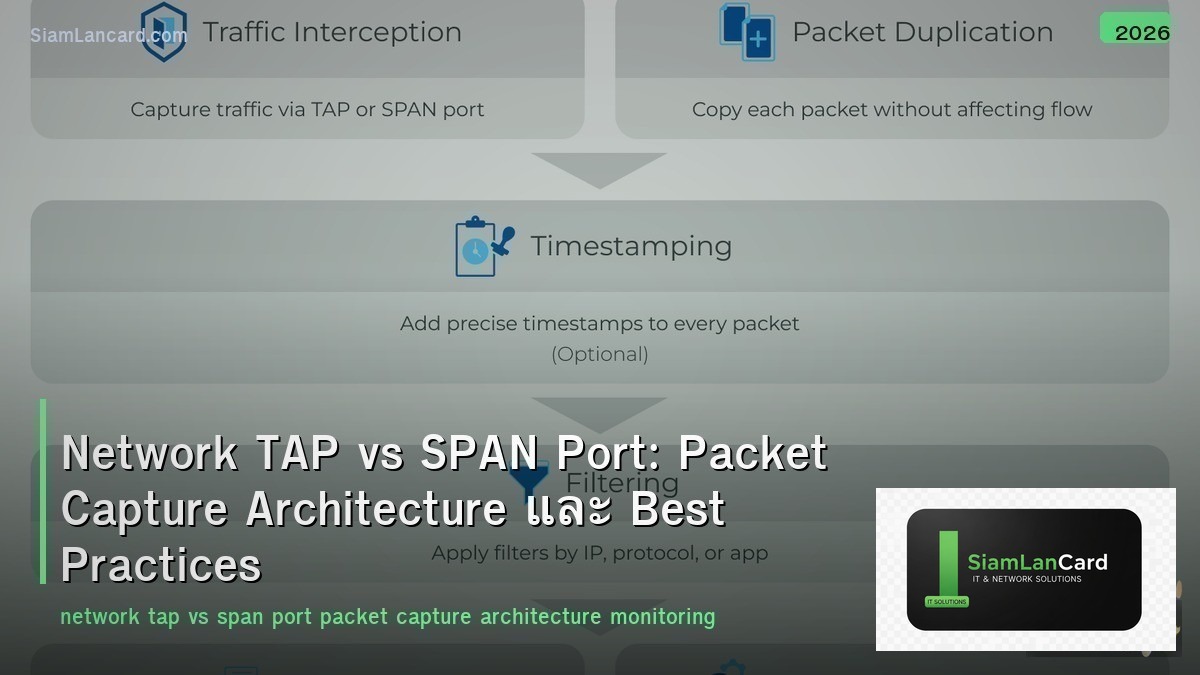
Network TAP vs SPAN Port: Packet Capture Architecture และ Best Practices
Network TAP (Test Access Point) และ SPAN Port (Switched Port Analyzer) เป็น 2 วิธีหลักในการ capture network traffic สำหรับ monitoring, security analysis และ troubleshooting TAP เป็น passive hardware device ที่ copy traffic โดยไม่กระทบ network ส่วน SPAN ใช้ switch feature ในการ mirror traffic ไปยัง monitoring port
Network visibility เป็นพื้นฐานของ security monitoring, performance analysis และ compliance ถ้าไม่เห็น traffic ก็ไม่สามารถ detect threats, troubleshoot issues หรือ comply กับ regulations ได้ การเลือกระหว่าง TAP กับ SPAN ขึ้นอยู่กับ requirement: TAP ดีกว่าสำหรับ critical monitoring ที่ต้อง 100% packet fidelity ส่วน SPAN เหมาะสำหรับ ad-hoc troubleshooting
TAP vs SPAN Comparison
| Feature |
Network TAP |
SPAN Port |
| Type |
Passive hardware device |
Switch software feature |
| Packet Fidelity |
100% (no drops) |
May drop packets under load |
| Network Impact |
Zero (passive, inline) |
Uses switch CPU/bandwidth |
| Errors/Malformed |
Captures all (including errors) |
May not capture malformed frames |
| Cost |
Additional hardware cost |
Free (built into switch) |
| Deployment |
Requires brief network downtime (inline install) |
No downtime (software config) |
| Fail Mode |
Fail-open (traffic passes even if TAP fails) |
N/A (switch feature) |
| Full Duplex |
Separate TX/RX streams (true full duplex) |
Combined into single stream (may lose data) |
| Scalability |
1 TAP per link |
Limited SPAN sessions per switch (usually 2-4) |
Network TAP Types
| TAP Type |
วิธีทำงาน |
Use Case |
| Passive Copper TAP |
Electrical signal split (no power needed) |
10/100/1000 Mbps copper links |
| Passive Fiber TAP |
Optical splitter (70/30 or 50/50) |
Fiber links (no power, no fail) |
| Active TAP |
Regeneration TAP (powered, copies + regenerates signal) |
10G+ links, copper full-duplex |
| Aggregation TAP |
Combine multiple links → single output |
Multiple links to 1 monitoring tool |
| Bypass TAP |
Inline device protection (heartbeat monitoring) |
IPS/IDS inline deployment (fail-open protection) |
SPAN Port Types
| Type |
วิธีทำงาน |
Limitation |
| Local SPAN |
Mirror traffic จาก source port → destination port บน switch เดียว |
Same switch only, limited sessions |
| Remote SPAN (RSPAN) |
Mirror traffic ข้าม switches ผ่าน RSPAN VLAN |
ต้อง config ทุก switch ใน path, VLAN overhead |
| Encapsulated RSPAN (ERSPAN) |
Encapsulate mirrored traffic ใน GRE → ส่งข้าม L3 network |
GRE overhead, needs L3 reachability |
SPAN Limitations
| Limitation |
รายละเอียด |
| Packet Drops |
Switch drops mirrored packets เมื่อ oversubscribed (priority ต่ำกว่า production) |
| CPU Impact |
SPAN ใช้ switch CPU → อาจ affect production performance |
| Session Limits |
ส่วนใหญ่ 2-4 SPAN sessions per switch |
| Full Duplex Loss |
TX+RX combined → ถ้า 1G full duplex = 2G data → 1G SPAN port = drops |
| No Error Frames |
Switch อาจไม่ mirror malformed/error frames |
| Timing |
Mirrored packets อาจมี timing differences (not exact) |
| Config Complexity |
RSPAN/ERSPAN ต้อง config หลาย switches |
Packet Capture Architecture
| Component |
Role |
| TAP / SPAN |
Access layer: copy traffic จาก network |
| Network Packet Broker (NPB) |
Aggregation layer: filter, deduplicate, load-balance traffic |
| Monitoring Tools |
Analysis layer: IDS/IPS, SIEM, APM, packet recorder |
When to Use TAP vs SPAN
| Scenario |
Recommendation |
เหตุผล |
| Security monitoring (IDS/IPS) |
TAP |
100% packet fidelity required for threat detection |
| Compliance (PCI, HIPAA) |
TAP |
Audit requires proof of complete capture |
| Ad-hoc troubleshooting |
SPAN |
Quick, no hardware needed, temporary |
| High-speed links (10G+) |
TAP |
SPAN drops increase significantly at high speeds |
| Remote site (budget limited) |
SPAN |
No additional hardware cost |
| Inline security (IPS) |
Bypass TAP |
Fail-open protection when inline device fails |
| Permanent monitoring |
TAP |
Always-on, no config maintenance |
TAP Vendors
| Vendor |
Products |
จุดเด่น |
| Garland Technology |
Passive/Active/Bypass TAPs |
Wide range, good price-performance |
| Gigamon |
GigaVUE TAPs + NPB |
Enterprise-grade, deep visibility platform |
| Keysight (Ixia) |
Vision Network TAPs |
High-performance, advanced filtering |
| APCON |
IntellaFlex TAPs |
Modular, scalable |
| Profitap |
ProfiShark, IOTA TAPs |
Portable, USB-powered options |
| Datacom Systems |
Passive/Active TAPs |
Cost-effective |
Best Practices
| Practice |
รายละเอียด |
| TAP สำหรับ permanent monitoring |
ติดตั้ง TAP บน critical links (WAN, DC uplinks, DMZ) |
| SPAN สำหรับ temporary |
ใช้ SPAN เฉพาะ troubleshooting ชั่วคราว (disable เมื่อเสร็จ) |
| ใช้ NPB |
ถ้ามี TAP หลายจุด → ใช้ NPB aggregate + filter ก่อนส่ง tools |
| Plan for capacity |
Monitoring port ต้อง handle aggregate bandwidth (full duplex = 2×) |
| Fail-open TAPs |
ใช้ fail-open TAPs สำหรับ inline devices (IPS) |
| Document TAP locations |
บันทึกว่า TAP อยู่ที่ไหน, monitor อะไร, ส่งไปที่ tool ไหน |
ทิ้งท้าย: TAP = Reliable, SPAN = Convenient
TAP vs SPAN TAP: passive hardware, 100% fidelity, zero network impact, fail-open SPAN: switch feature, free, may drop packets, limited sessions TAP สำหรับ: security monitoring, compliance, permanent, high-speed SPAN สำหรับ: ad-hoc troubleshooting, budget-limited, temporary Architecture: TAP → NPB → monitoring tools (IDS, SIEM, APM)
อ่านเพิ่มเติมเกี่ยวกับ Network Monitoring Stack และ Network Observability OpenTelemetry ที่ siamlancard.com หรือจาก icafeforex.com และ siam2r.com






