
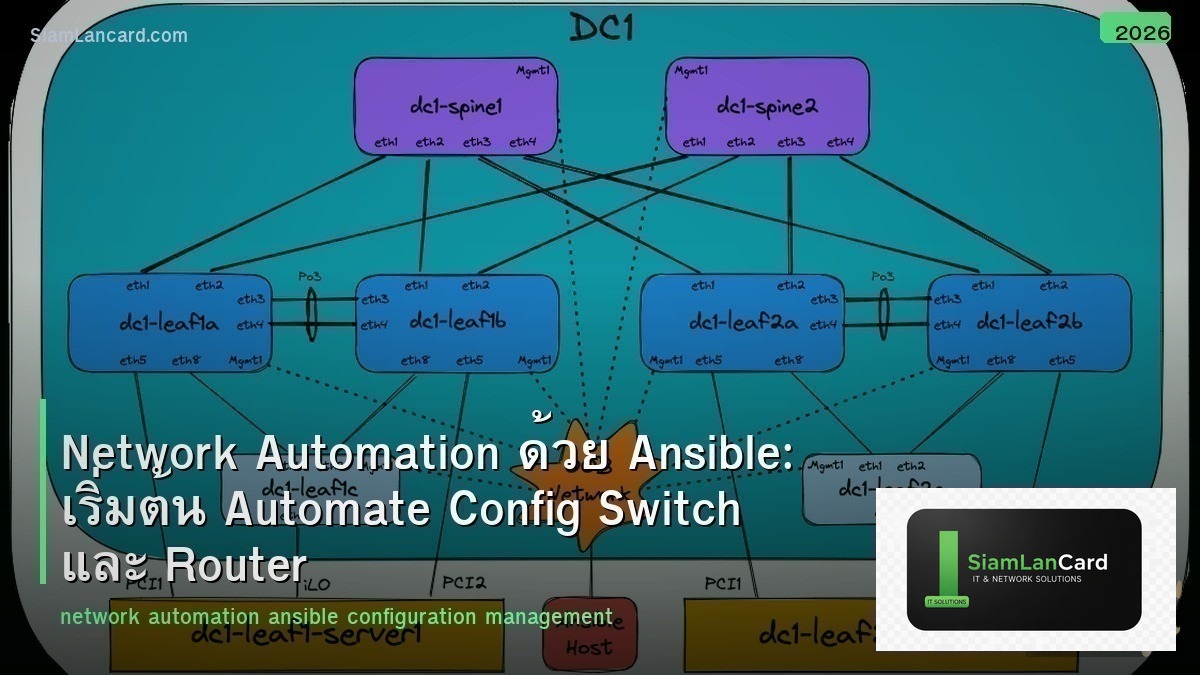
Network Automation ด้วย Ansible: เริ่มต้น Automate Config Switch และ Router
Ansible เป็น open-source automation tool ที่นิยมใช้สำหรับ network automation เพราะ agentless (ไม่ต้องติดตั้ง software บน network devices) ใช้ SSH/NETCONF เชื่อมต่อ เขียน playbook เป็น YAML (อ่านง่าย) และมี modules สำหรับ vendors ทุกราย (Cisco, Arista, Juniper, Fortinet)
Network engineer หลายคน ยังทำงานแบบ manual (SSH เข้า device ทีละตัว พิมพ์ command) ซึ่งช้า ผิดพลาดง่าย และ scale ไม่ได้ Ansible ช่วยให้ config devices หลายร้อยตัวพร้อมกันในไม่กี่นาที บทความนี้จะสอนพื้นฐาน Ansible สำหรับ network automation
ทำไมต้อง Automate
| Manual | Automation (Ansible) |
|---|---|
| SSH เข้า device ทีละตัว | Run playbook ครั้งเดียว config ทุก device |
| พิมพ์ command ผิด = outage | Playbook ถูก review + test ก่อน deploy |
| Config 100 devices = หลายชั่วโมง | Config 100 devices = ไม่กี่นาที |
| ไม่มี audit trail | Git version control ทุก change |
| Config drift (devices ต่างกัน) | Desired state enforcement (ทุก device เหมือนกัน) |
Ansible Basics
Components
Control Node: เครื่องที่ติดตั้ง Ansible (Linux/macOS) ใช้ run playbooks Inventory: ไฟล์ที่ระบุ devices ที่จะ manage (IP, hostname, credentials, groups) Playbook: ไฟล์ YAML ที่ระบุ tasks ที่จะทำบน devices Module: หน่วยงานของ Ansible เช่น ios_config (Cisco IOS), eos_config (Arista), junos_config (Juniper) Role: Collection ของ playbooks, templates, variables ที่ reuse ได้
Inventory File
ตัวอย่าง inventory.yml
all: children: switches: hosts: sw-core-01: ansible_host: 10.0.0.1 sw-core-02: ansible_host: 10.0.0.2 sw-access-01: ansible_host: 10.0.1.1 sw-access-02: ansible_host: 10.0.1.2 vars: ansible_network_os: cisco.ios.ios ansible_connection: ansible.netcommon.network_cli ansible_user: admin ansible_password: “{{ vault_password }}” routers: hosts: rt-edge-01: ansible_host: 10.0.0.254 rt-edge-02: ansible_host: 10.0.0.253 vars: ansible_network_os: cisco.ios.ios ansible_connection: ansible.netcommon.network_cli
Playbook ตัวอย่าง
1. Backup Config ทุก Device
backup_config.yml: – name: Backup all network device configs hosts: all gather_facts: no tasks: – name: Backup running config ios_command: commands: – show running-config register: config_output – name: Save to file copy: content: “{{ config_output.stdout[0] }}” dest: “./backups/{{ inventory_hostname }}.cfg”
2. Configure VLAN บน Switches ทุกตัว
configure_vlan.yml: – name: Configure VLANs on all switches hosts: switches gather_facts: no tasks: – name: Create VLANs ios_vlans: config: – vlan_id: 100 name: USERS state: active – vlan_id: 200 name: SERVERS state: active – vlan_id: 999 name: NATIVE state: active state: merged
3. Configure NTP + Logging
baseline_config.yml: – name: Apply baseline config hosts: all gather_facts: no tasks: – name: Configure NTP and logging ios_config: lines: – ntp server 10.0.20.1 – ntp server 10.0.20.2 – logging host 10.0.20.50 – logging trap informational – service timestamps log datetime msec
Jinja2 Templates
Dynamic Configuration
interface_template.j2: {% for intf in interfaces %} interface {{ intf.name }} description {{ intf.description }} switchport mode {{ intf.mode }} {% if intf.mode == ‘access’ %} switchport access vlan {{ intf.vlan }} {% elif intf.mode == ‘trunk’ %} switchport trunk allowed vlan {{ intf.allowed_vlans }} {% endif %} no shutdown {% endfor %}
ใช้ template ใน playbook: – name: Configure interfaces ios_config: src: interface_template.j2
Best Practices
| Practice | ทำไม |
|---|---|
| ใช้ Ansible Vault เก็บ passwords | ไม่ hardcode credentials ใน playbooks |
| เก็บ playbooks ใน Git | Version control, audit trail, collaboration |
| ทดสอบใน lab ก่อน production | ลดความเสี่ยงจาก config ผิดพลาด |
| ใช้ –check mode ก่อน apply | Dry-run ดูว่า playbook จะทำอะไร |
| ใช้ tags แยก tasks | Run เฉพาะ tasks ที่ต้องการ |
| เขียน idempotent playbooks | Run กี่ครั้งก็ได้ผลเหมือนกัน |
Ansible vs Python Scripts
| Ansible | Python (Netmiko/NAPALM) |
|---|---|
| YAML (อ่านง่าย ไม่ต้องเขียนโค้ด) | Python (ต้องเขียนโค้ด) |
| Modules พร้อมใช้สำหรับทุก vendor | ต้องเขียน logic เอง |
| Idempotent by design | ต้อง handle idempotency เอง |
| Large community + Galaxy roles | Flexible กว่า (ทำอะไรก็ได้) |
| ดีสำหรับ config management | ดีสำหรับ complex logic/APIs |
ทิ้งท้าย: Network Automation เป็น Skill ที่ต้องมี
Ansible เป็น tool ที่ง่ายที่สุดในการเริ่มต้น network automation เริ่มจาก backup config → configure NTP/logging → VLANs → interfaces ฝึกใน lab (GNS3, EVE-NG, CML) ก่อน production เก็บ playbooks ใน Git ใช้ Ansible Vault สำหรับ credentials
อ่านเพิ่มเติมเกี่ยวกับ SD-WAN และ Network Monitoring Grafana ที่ siamlancard.com หรือจาก icafeforex.com และ siam2r.com






