Home » IPv6 Migration: Dual-Stack, NAT64, DNS64, IPv6-Only, Transition Mechanisms และ Enterprise Deployment
IPv6 Migration: Dual-Stack, NAT64, DNS64, IPv6-Only, Transition Mechanisms และ Enterprise Deployment
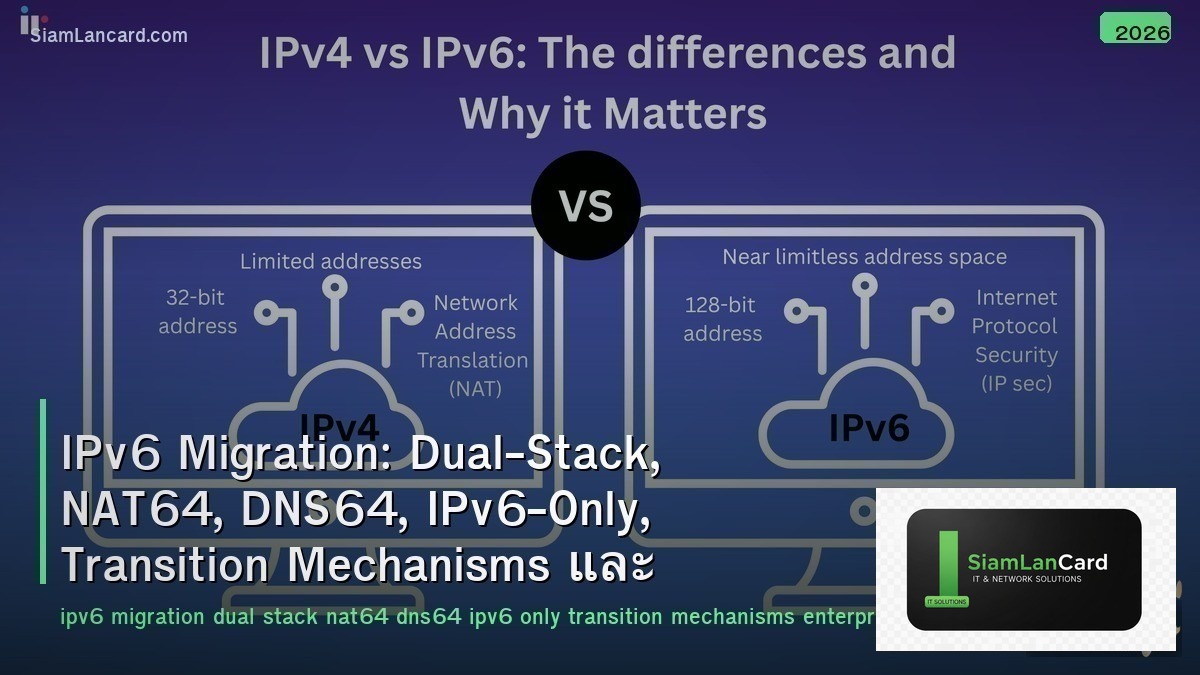
IPv6 Migration: Dual-Stack, NAT64, DNS64, IPv6-Only, Transition Mechanisms และ Enterprise Deployment
IPv6 Migration เป็นกระบวนการเปลี่ยนผ่านจาก IPv4 ไปสู่ IPv6 Dual-Stack รัน IPv4 และ IPv6 พร้อมกัน, NAT64 แปลง IPv6 เป็น IPv4 สำหรับ legacy services, DNS64 synthesize AAAA records สำหรับ IPv4-only destinations, IPv6-Only networks ลด complexity โดยใช้ IPv6 เป็นหลัก, Transition Mechanisms ช่วยเชื่อมต่อระหว่าง 2 protocols และ Enterprise Deployment วางแผนการ migrate อย่างเป็นระบบ
IPv4 addresses หมดแล้วทุก region: ARIN, RIPE, APNIC ไม่มี IPv4 เหลือจัดสรรปกติ ราคา IPv4 address ใน transfer market อยู่ที่ $30-50/IP Google reports 45%+ ของ traffic มาจาก IPv6, Apple บังคับ app ทุกตัวรองรับ IPv6-only network ตั้งแต่ 2016, major cloud providers ให้ IPv6 ฟรี (IPv4 มีค่าใช้จ่ายเพิ่ม — AWS charges $0.005/hr per public IPv4)
IPv6 vs IPv4
| Feature |
IPv4 |
IPv6 |
| Address Size |
32-bit (4.3 billion addresses) |
128-bit (340 undecillion addresses) |
| Format |
192.168.1.1 (dotted decimal) |
2001:0db8::1 (hexadecimal, colon-separated) |
| NAT |
Required (private → public) |
Not needed (every device gets public address) |
| Header |
Variable length (20-60 bytes, options) |
Fixed 40 bytes (simpler, faster processing) |
| DHCP |
DHCPv4 (required) |
SLAAC (auto-config) + DHCPv6 (optional) |
| IPsec |
Optional |
Mandatory (built-in) |
| Broadcast |
Yes (broadcast storms) |
No (multicast + anycast instead) |
Dual-Stack
| Feature |
รายละเอียด |
| คืออะไร |
Devices run both IPv4 and IPv6 simultaneously — communicate with either protocol |
| How |
Every interface has both IPv4 address + IPv6 address (GUA + link-local) |
| Happy Eyeballs |
Client tries IPv6 first → if no response in 250ms → fallback to IPv4 (RFC 8305) |
| Advantage |
ง่ายที่สุด — ทุกอย่างทำงานได้ทั้ง 2 protocols พร้อมกัน |
| Disadvantage |
ต้อง manage 2 protocols (double config, double troubleshooting, double security policies) |
| Use Case |
Transition phase — ใช้ dual-stack จนกว่า IPv4 dependencies จะหมดไป |
| Cost |
สูงกว่า single-stack (IPv4 addresses ยังจำเป็น) |
NAT64 + DNS64
| Feature |
NAT64 |
DNS64 |
| คืออะไร |
Translate IPv6 packets to IPv4 (and back) |
Synthesize AAAA records for IPv4-only domains |
| How NAT64 |
IPv6 client → NAT64 gateway → translates to IPv4 → reaches IPv4 server |
– |
| How DNS64 |
– |
Client queries AAAA → no AAAA exists → DNS64 creates synthetic AAAA from A record |
| Together |
DNS64 creates fake AAAA → client sends IPv6 to NAT64 prefix → NAT64 translates to IPv4 |
| Prefix |
64:ff9b::/96 (well-known) or custom prefix |
Same prefix configured on DNS64 server |
| Use Case |
IPv6-only network accessing IPv4-only internet services |
Works with NAT64 to enable IPv6-only clients |
| Limitation |
IPv4 literals in app code won’t work, some protocols embed IP addresses |
Requires DNS (apps using IP directly bypass DNS64) |
IPv6-Only Networks
| Feature |
รายละเอียด |
| Concept |
Network ใช้ IPv6 เท่านั้น — access IPv4 internet ผ่าน NAT64/DNS64 |
| Apple |
iOS apps ต้องทำงานบน IPv6-only (App Store requirement ตั้งแต่ 2016) |
| T-Mobile |
464XLAT: IPv6-only mobile network + CLAT on device สำหรับ IPv4 apps |
| AWS |
IPv6-only subnets supported — EC2 instances without IPv4 (cost saving) |
| Benefits |
No NAT44 (simpler), no IPv4 cost, single-stack management, larger address space |
| 464XLAT |
CLAT (client-side NAT46) + PLAT (provider-side NAT64) = IPv4 apps work on IPv6-only |
Other Transition Mechanisms
| Mechanism |
How |
Status |
| 6to4 |
Encapsulate IPv6 in IPv4 (automatic tunneling) |
Deprecated (RFC 7526) — unreliable |
| Teredo |
IPv6 tunneling through NAT (UDP encapsulation) |
Deprecated — was used for Windows |
| ISATAP |
IPv6 tunneling within site (intra-site) |
Deprecated — replaced by dual-stack |
| 6rd |
ISP-managed IPv6 tunneling over IPv4 (rapid deployment) |
Used by some ISPs (Free, Swisscom) |
| DS-Lite |
IPv4 over IPv6 tunnel → centralized CGNAT |
Used by ISPs to conserve IPv4 |
| MAP-E / MAP-T |
Stateless IPv4/IPv6 translation/encapsulation |
Used by ISPs (especially Japan) |
Enterprise IPv6 Deployment Plan
| Phase |
Action |
Timeline |
| 1. Assessment |
Inventory: hardware/software IPv6 support, applications, security tools |
1-2 months |
| 2. Addressing Plan |
Get IPv6 allocation (PI or PA), design addressing scheme per site/VLAN |
1 month |
| 3. Core First |
Enable IPv6 on core/distribution (dual-stack) — WAN links, data center |
2-3 months |
| 4. Services |
DNS (AAAA records), DHCP (DHCPv6/SLAAC), firewall rules, monitoring |
2-3 months |
| 5. Edge/Access |
Enable IPv6 on access layer — user VLANs, WiFi, IoT |
3-6 months |
| 6. Applications |
Test and migrate applications — web, email, databases, SaaS |
6-12 months |
| 7. IPv6-Preferred |
Make IPv6 primary — use NAT64 for remaining IPv4 dependencies |
Ongoing |
ทิ้งท้าย: IPv6 = Not If, But When
IPv6 Migration IPv4 exhausted: $30-50/IP transfer market, AWS charges $0.005/hr per IPv4, Google 45%+ IPv6 traffic Dual-Stack: both protocols on every device — easy but double management cost NAT64 + DNS64: IPv6-only clients access IPv4 servers — synthesize AAAA + translate at gateway IPv6-Only: single-stack simplicity, 464XLAT for legacy IPv4 apps (Apple, T-Mobile, AWS support) Deprecated: 6to4, Teredo, ISATAP → use dual-stack or NAT64 instead Enterprise: assess → address plan → core first → services → edge → applications → IPv6-preferred Key: start with dual-stack, move to IPv6-only with NAT64 — every day delayed = more expensive IPv4 dependency
อ่านเพิ่มเติมเกี่ยวกับ DNS Architecture Recursive Authoritative DNSSEC และ Cloud Networking VPC Peering Transit Gateway ที่ siamlancard.com หรือจาก icafeforex.com และ siam2r.com






