
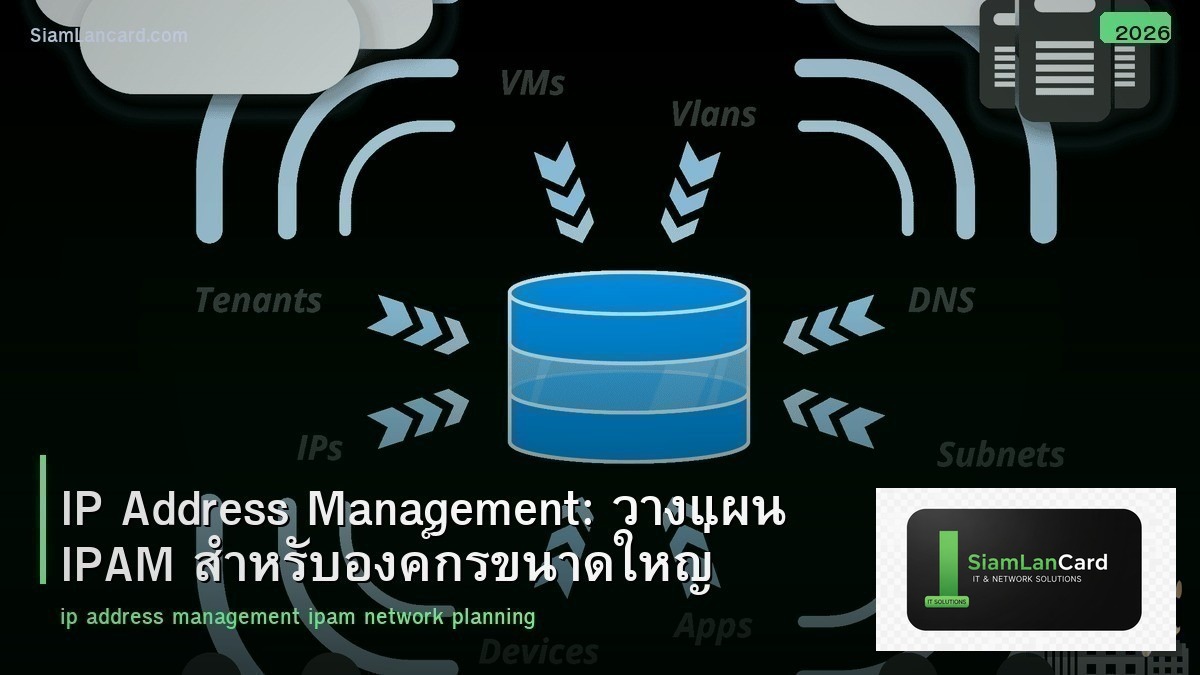
IP Address Management: วางแผน IPAM สำหรับองค์กรขนาดใหญ่
IPAM (IP Address Management) คือการจัดการ IP addresses, subnets, VLANs และ DNS/DHCP records ขององค์กรอย่างเป็นระบบ องค์กรเล็กอาจใช้ spreadsheet ได้ แต่เมื่อมี devices หลายพัน subnets หลายร้อย และหลาย sites การจัดการด้วย spreadsheet จะเป็นปัญหา IP ซ้ำ, subnet หมด, ไม่รู้ว่า IP ไหนใช้อยู่ IP ไหนว่าง
IPAM ที่ดีทำให้ network team เห็นภาพรวมของ IP usage ทั้งหมด allocate IP/subnet ได้อย่างมีระเบียบ ลด IP conflicts ลดเวลาในการ troubleshooting บทความนี้จะอธิบายวิธีวางแผน IP addressing scheme และเครื่องมือ IPAM ที่แนะนำ
ปัญหาเมื่อไม่มี IPAM
| ปัญหา | สาเหตุ | ผลกระทบ |
|---|---|---|
| IP Conflict | 2 devices ใช้ IP เดียวกัน | Device หนึ่งหรือทั้งคู่ใช้งานไม่ได้ |
| Subnet Exhaustion | IP ใน subnet หมด ไม่รู้ล่วงหน้า | Devices ใหม่เชื่อมต่อไม่ได้ |
| Rogue DHCP | ไม่รู้ว่ามี DHCP server กี่ตัว | Devices ได้ IP ผิด |
| Stale Records | DNS/DHCP records เก่าที่ไม่ได้ลบ | ชื่อ DNS ชี้ไป IP ที่ไม่มีแล้ว |
| Shadow IT | ไม่รู้ว่ามี devices อะไรบ้างใน network | Security risk จาก unmanaged devices |
IP Addressing Scheme Design
Hierarchical Addressing
ออกแบบ IP addressing แบบ hierarchical เพื่อ summarize routes ได้ ตัวอย่าง: 10.0.0.0/8 สำหรับทั้งองค์กร 10.{site}.0.0/16 สำหรับแต่ละ site (HQ = 10.0, Branch1 = 10.1, Branch2 = 10.2) 10.{site}.{vlan}.0/24 สำหรับแต่ละ VLAN ภายใน site ข้อดี: routing table สะอาด summarize ได้ (10.1.0.0/16 = ทั้ง Branch1) ดูจาก IP address ก็รู้ว่าอยู่ site ไหน VLAN ไหน
ตัวอย่าง IP Plan
| Site | Supernet | VLAN 10 (Mgmt) | VLAN 20 (Server) | VLAN 30 (Staff) | VLAN 70 (Guest) |
|---|---|---|---|---|---|
| HQ | 10.0.0.0/16 | 10.0.10.0/24 | 10.0.20.0/24 | 10.0.30.0/22 | 10.0.70.0/24 |
| Branch1 | 10.1.0.0/16 | 10.1.10.0/24 | 10.1.20.0/24 | 10.1.30.0/24 | 10.1.70.0/24 |
| Branch2 | 10.2.0.0/16 | 10.2.10.0/24 | 10.2.20.0/24 | 10.2.30.0/24 | 10.2.70.0/24 |
DHCP Planning
DHCP Scope Design
แต่ละ subnet ควรมี DHCP scope ที่ไม่ overlap กับ static IP reservations แบ่ง address range: Static IPs: .1 – .50 (servers, printers, network equipment) DHCP Range: .51 – .250 (dynamic clients) Reserved: .251 – .254 (gateway, future use) ตัวอย่าง subnet 10.0.30.0/24: Gateway: .1, Static: .2-.50, DHCP: .51-.250
DHCP Relay
ไม่ต้องมี DHCP server ทุก VLAN ใช้ DHCP relay (ip helper-address) บน L3 switch/router forward DHCP requests ไป centralized DHCP server DHCP server จะ allocate IP ตาม subnet ที่ relay มา
เครื่องมือ IPAM
| เครื่องมือ | ราคา | จุดเด่น | เหมาะกับ |
|---|---|---|---|
| NetBox | ฟรี (open-source) | IPAM + DCIM, API, automation | ทุกขนาด แนะนำมากที่สุด |
| phpIPAM | ฟรี (open-source) | IPAM focused, ง่าย, lightweight | SMB ที่ต้องการ IPAM อย่างเดียว |
| Infoblox | แพงมาก | Enterprise DDI (DNS/DHCP/IPAM) | Large enterprise |
| SolarWinds IPAM | แพง | Integration กับ SolarWinds ecosystem | SolarWinds shops |
| BlueCat | แพง | Enterprise DDI, cloud integration | Large enterprise |
NetBox (แนะนำ)
NetBox เป็น IPAM + DCIM (Data Center Infrastructure Management) open-source ที่นิยมที่สุด พัฒนาโดย DigitalOcean จัดการ IP addresses, prefixes, VLANs, VRFs จัดการ sites, racks, devices, cables มี REST API สำหรับ automation integrate กับ Ansible, Terraform, network automation tools
Best Practices
1. ใช้ Private IP Ranges
RFC 1918: 10.0.0.0/8 (Class A), 172.16.0.0/12 (Class B), 192.168.0.0/16 (Class C) สำหรับองค์กรขนาดใหญ่ แนะนำ 10.0.0.0/8 (มี IP 16 ล้าน addresses) อย่าใช้ public IP ranges สำหรับ internal network
2. เผื่อ Growth
อย่า allocate subnet แน่นเกินไป ถ้ามี 50 devices ใช้ /24 (254 usable) ไม่ใช่ /26 (62 usable) เผื่อ growth อย่างน้อย 50-100% ถ้า subnet เต็มแล้วต้อง renumber ยากมากและเสี่ยง
3. Document ทุกอย่าง
บันทึก ทุก IP allocation: IP, hostname, MAC, location, purpose, owner, date allocated ใช้ IPAM tool แทน spreadsheet update เมื่อมีการเปลี่ยนแปลง (add, remove, move devices)
4. Regular Audit
Scan network เป็นประจำ (nmap, network scanner) เปรียบเทียบกับ IPAM records หา: IP ที่ใช้งานแต่ไม่มีใน records (rogue devices) IP ที่มีใน records แต่ไม่ได้ใช้งาน (stale records) แก้ไขให้ records ตรงกับ reality
ทิ้งท้าย: IPAM เป็นพื้นฐานของ Network Management
IPAM ที่ดีทำให้ network team ทำงานได้เร็วขึ้น ลด IP conflicts ลดเวลา troubleshooting เริ่มจาก hierarchical IP addressing scheme ใช้ NetBox หรือ phpIPAM (ฟรี) document ทุก allocation audit เป็นประจำ
อ่านเพิ่มเติมเกี่ยวกับ DNS Server BIND9 และ Network Segmentation VLAN ที่ siamlancard.com หรือจาก icafeforex.com และ siam2r.com






