Home » Firewall Next-Gen: NGFW, IPS, Application Control, SSL Inspection และ Threat Prevention
Firewall Next-Gen: NGFW, IPS, Application Control, SSL Inspection และ Threat Prevention
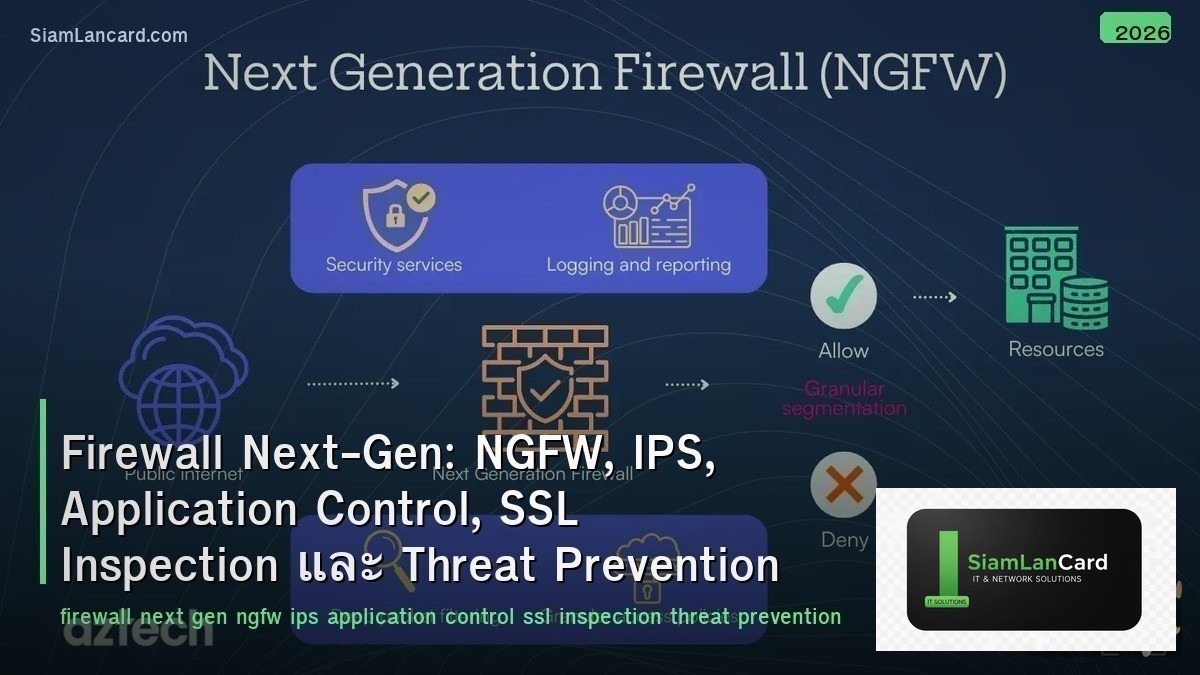
Firewall Next-Gen: NGFW, IPS, Application Control, SSL Inspection และ Threat Prevention
Next-Generation Firewall (NGFW) รวม traditional firewall กับ advanced security features NGFW ทำ deep packet inspection เพื่อระบุ applications, IPS (Intrusion Prevention System) ตรวจจับและป้องกัน exploits, Application Control ควบคุมการใช้ applications ตาม policy, SSL Inspection ถอดรหัส encrypted traffic เพื่อตรวจสอบ threats และ Threat Prevention รวม antivirus, anti-spyware, URL filtering เป็น unified defense
Traditional firewalls ใช้แค่ IP + port + protocol ในการ filter traffic แต่ modern threats ใช้ port 443 (HTTPS) เกือบทั้งหมด: malware ซ่อนใน encrypted traffic, data exfiltration ผ่าน cloud apps, lateral movement ใช้ legitimate ports NGFW มองเห็น application layer (L7) ไม่ว่าจะใช้ port อะไร
Traditional Firewall vs NGFW
| Feature |
Traditional Firewall |
NGFW |
| Inspection |
L3-L4 (IP, port, protocol) |
L3-L7 (application, user, content) |
| Application Visibility |
ไม่มี (ดูแค่ port) |
Identify 3,000+ applications (ไม่ว่าจะใช้ port อะไร) |
| User Identity |
ไม่มี (ดูแค่ IP) |
Integrate กับ AD/LDAP → policy per user/group |
| IPS |
แยก device (IDS/IPS box) |
Built-in IPS (inline threat detection) |
| SSL Inspection |
ไม่มี (encrypted = blind) |
Decrypt + inspect + re-encrypt (see inside HTTPS) |
| Threat Intelligence |
ไม่มี |
Cloud-based threat feeds (real-time updates) |
NGFW Key Features
| Feature |
รายละเอียด |
| Application Control |
Identify + control applications (allow Zoom, block TikTok, limit YouTube bandwidth) |
| User-ID |
Map IP → username (via AD/LDAP/RADIUS) → policy per user/group |
| IPS/IDS |
Detect exploits, vulnerabilities, buffer overflows, protocol anomalies |
| URL Filtering |
Block/allow websites by category (gambling, malware, adult, social media) |
| Antivirus/Anti-Malware |
Scan files in traffic for known malware signatures |
| Sandboxing |
ส่ง unknown files ไป cloud sandbox → analyze behavior → block if malicious |
| SSL/TLS Inspection |
Decrypt HTTPS → inspect content → re-encrypt → forward |
| DNS Security |
Block DNS queries ไป malicious domains (C2, phishing, DGA) |
| Threat Intelligence |
Cloud-based feeds อัปเดตทุกนาที (new IOCs, malware signatures, bad IPs) |
IPS (Intrusion Prevention System)
| Detection Method |
How |
Strength |
| Signature-Based |
Match traffic กับ known exploit signatures |
Accurate for known threats (low false positive) |
| Anomaly-Based |
Detect deviation จาก normal behavior baseline |
Detect unknown threats (but higher false positive) |
| Protocol Analysis |
Verify protocol compliance (detect protocol abuse) |
Catch protocol-based exploits |
| Vulnerability-Based |
Protect known vulnerabilities (virtual patching) |
Protect ก่อน patch (CVE-based signatures) |
SSL/TLS Inspection
| Feature |
รายละเอียด |
| Why |
80-90% ของ traffic เป็น encrypted (HTTPS) → firewall เห็นแค่ IP/domain ไม่เห็น content |
| How |
Firewall ทำ man-in-the-middle: decrypt → inspect → re-encrypt ด้วย firewall’s CA cert |
| Forward Proxy |
Decrypt outbound traffic (employees → internet) — ต้อง install CA cert บน clients |
| Inbound Inspection |
Decrypt inbound traffic (internet → servers) — ต้อง import server’s private key |
| Bypass |
ไม่ decrypt: banking, healthcare, certificate-pinned apps (compliance/privacy) |
| Performance |
SSL inspection ลด throughput 60-80% (hardware acceleration ช่วย) |
NGFW Vendors
| Vendor |
Product |
จุดเด่น |
| Palo Alto Networks |
PA-Series, VM-Series |
App-ID, User-ID, WildFire sandbox, best-in-class threat prevention |
| Fortinet |
FortiGate |
Custom ASIC (performance), best price/performance, FortiGuard services |
| Cisco |
Firepower / Secure Firewall |
Snort IPS engine, Talos threat intelligence, integration with Cisco ecosystem |
| Check Point |
Quantum |
ThreatCloud intelligence, strong management (SmartConsole), SandBlast |
| Juniper |
SRX Series |
Junos OS, strong routing + security, ATP Cloud sandbox |
NGFW Deployment Modes
| Mode |
How |
Use Case |
| Routed (L3) |
Firewall เป็น router (มี IP interfaces, route traffic) |
Most common — perimeter, inter-zone, WAN edge |
| Transparent (L2) |
Firewall เป็น bridge (no IP change, invisible to network) |
Insert firewall without changing network topology |
| Virtual Wire |
เหมือน bump-in-the-wire (2 ports paired, no switching/routing) |
Inline IPS deployment, minimal network change |
| Tap Mode |
Mirror traffic → firewall monitors (no inline blocking) |
IDS mode (detect only, no prevention) |
Firewall Policy Best Practices
| Practice |
รายละเอียด |
| Default Deny |
Block everything → allow only what’s needed (whitelist approach) |
| Application-Based |
ใช้ application rules แทน port rules (allow “Zoom” ไม่ใช่ “port 443”) |
| User-Based |
Policy per user/group (finance team → allow SAP, block social media) |
| Zone-Based |
แบ่ง zones (trust, untrust, DMZ, guest) → policy ระหว่าง zones |
| Logging |
Log ทุก rule (allow + deny) → ใช้สำหรับ forensics + compliance |
| Review |
Review policies ทุก 3-6 เดือน (remove unused rules, tighten overly broad rules) |
ทิ้งท้าย: NGFW = See and Control Everything in Your Network
Firewall Next-Gen NGFW: L7 inspection (application + user + content) — ไม่ใช่แค่ IP + port IPS: signature + anomaly + protocol analysis + virtual patching (inline prevention) App Control: identify 3,000+ apps ไม่ว่าใช้ port อะไร → policy per app SSL Inspection: decrypt HTTPS → inspect → re-encrypt (see 80-90% of encrypted traffic) Threat Prevention: AV + anti-spyware + URL filtering + sandbox + DNS security + threat intel Vendors: Palo Alto (best threat prevention), Fortinet (best performance/price), Cisco, Check Point Best Practice: default deny, app-based rules, user-based, zone-based, log everything, review regularly
อ่านเพิ่มเติมเกี่ยวกับ Zero Trust Architecture ZTNA Microsegmentation และ DDoS Protection Mitigation Scrubbing ที่ siamlancard.com หรือจาก icafeforex.com และ siam2r.com






